
Video Editing for Social Media with Free Tools
Video Editing for Social Media with Free Tools
This practical programme introduces participants to the basic principles of creating and editing short videos for social media.
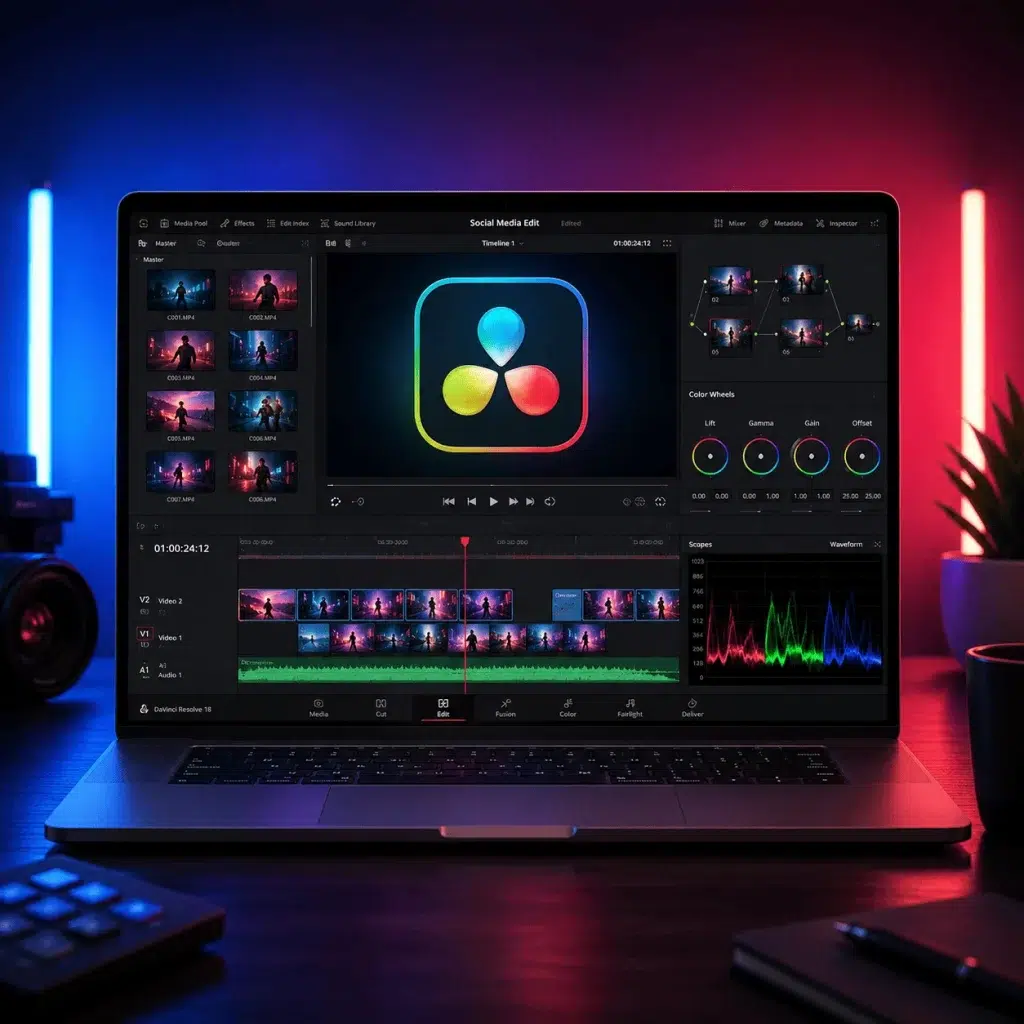
Using the free version of DaVinci Resolve as the main tool, participants will learn to organise their footage, carry out basic editing, and add music, narration, titles, subtitles and simple colour corrections.
Particular emphasis will be placed on creating vertical content for Instagram Reels, TikTok and YouTube Shorts, as well as on preparing and exporting the final file correctly.
The programme concludes with each participant creating a short social media video.
Also in this category: AI and ChatGPT Applications for Business · Artificial Intelligence for Office & Administrative Staff
Upon completion of the programme, participants will be able to:
- Plan a short social media video
- Create a simple script and shot list
- Shoot basic footage with a smartphone
- Organise their audiovisual material properly
- Create and manage a project in DaVinci Resolve
- Carry out basic editing on a timeline
- Adapt horizontal footage to a vertical format
- Add music, narration and sound effects
- Create titles and subtitles
- Carry out basic colour correction
- Use simple transitions and animations
- Export video suitable for Instagram, TikTok and YouTube
- Create complete content without subscription software
The programme is aimed at:
- Beginners with no previous video editing experience
- Content creators and social media managers
- Freelancers and small business owners
- Artists, designers and makers
- Teachers and students
- Marketing and communication professionals
- Creators who want to promote products or services
- Users who want to create content without subscription software
No previous editing experience is required. Basic familiarity with using a computer is required.
| Lesson | Topic | Content |
|---|---|---|
| Lesson 1 | Planning and Shooting Content | Main types of social media video |
| Instagram Reels, TikTok and YouTube Shorts | ||
| Vertical, square and horizontal formats | ||
| Understanding the audience and the purpose of the video | ||
| Creating a simple concept and a short script | ||
| Hook, key message and call to action | ||
| Basic shot list and shot planning | ||
| Shooting video with a smartphone | ||
| Framing, lighting, stability and clean sound | ||
| Collecting and organising the necessary footage | ||
| Lesson 2 | Introduction to DaVinci Resolve and Basic Editing | Creating and managing a project |
| Getting to know the workspace | ||
| Media Pool, Viewer and Timeline | ||
| Importing and organising files | ||
| Creating a vertical timeline | ||
| Selecting and placing shots | ||
| Cut, trim, split and rearrange | ||
| Removing unnecessary footage | ||
| Pace and length of shots | ||
| Creating the first rough cut | ||
| Lesson 3 | Sound, Music and Narration | Basic audio editing |
| Adjusting voice and music levels | ||
| Avoiding distortion and excessive volume | ||
| Adding music and sound effects | ||
| Recording and adding a voice-over | ||
| Basic audio clean-up | ||
| Fade in and fade out | ||
| Synchronising picture and music | ||
| Copyright and the use of suitable music | ||
| Optional use of Audacity for simple narration editing | ||
| Lesson 4 | Titles, Subtitles, Colour and Branding | Creating titles and simple graphics |
| Choosing legible fonts | ||
| Placing text in safe areas of the frame | ||
| Creating and timing subtitles | ||
| Using a logo and brand elements | ||
| Basic principles of visual consistency | ||
| Brightness, contrast, saturation and white balance | ||
| Basic correction of different shots | ||
| Simple transitions and when to avoid them | ||
| Speed changes, zoom and basic keyframes | ||
| Optional use of Canva Free for covers and simple graphics | ||
| Lesson 5 | Final Project and Export | Completing the edit |
| Checking pace and length | ||
| Final audio adjustment | ||
| Checking titles, subtitles and branding | ||
| Basic quality control | ||
| Export settings for social media | ||
| Resolution, frame rate, codec and file quality | ||
| Creating different versions of the same video | ||
| Exporting and checking the final file | ||
| Presentation and evaluation of the projects |
Certificate of attendance from the Employment Development Institute, a Lifelong Learning Centre certified by EOPPEP & the Ministry of Education.
Methodology
Expression of Interest Form
Completing and sending this form to the Employment Development Institute does not create any obligation or commitment to cooperation.